Client portal
WebsiteA signed-in place where each client sees which step their job is on, answers what I need, and keeps every file.
Want work like this for your business? See the offer
A client pays before the work starts. The portal gives them one place to come back to: which step their job is on, what I need from them, and every file when the job is done.
How a client signs in
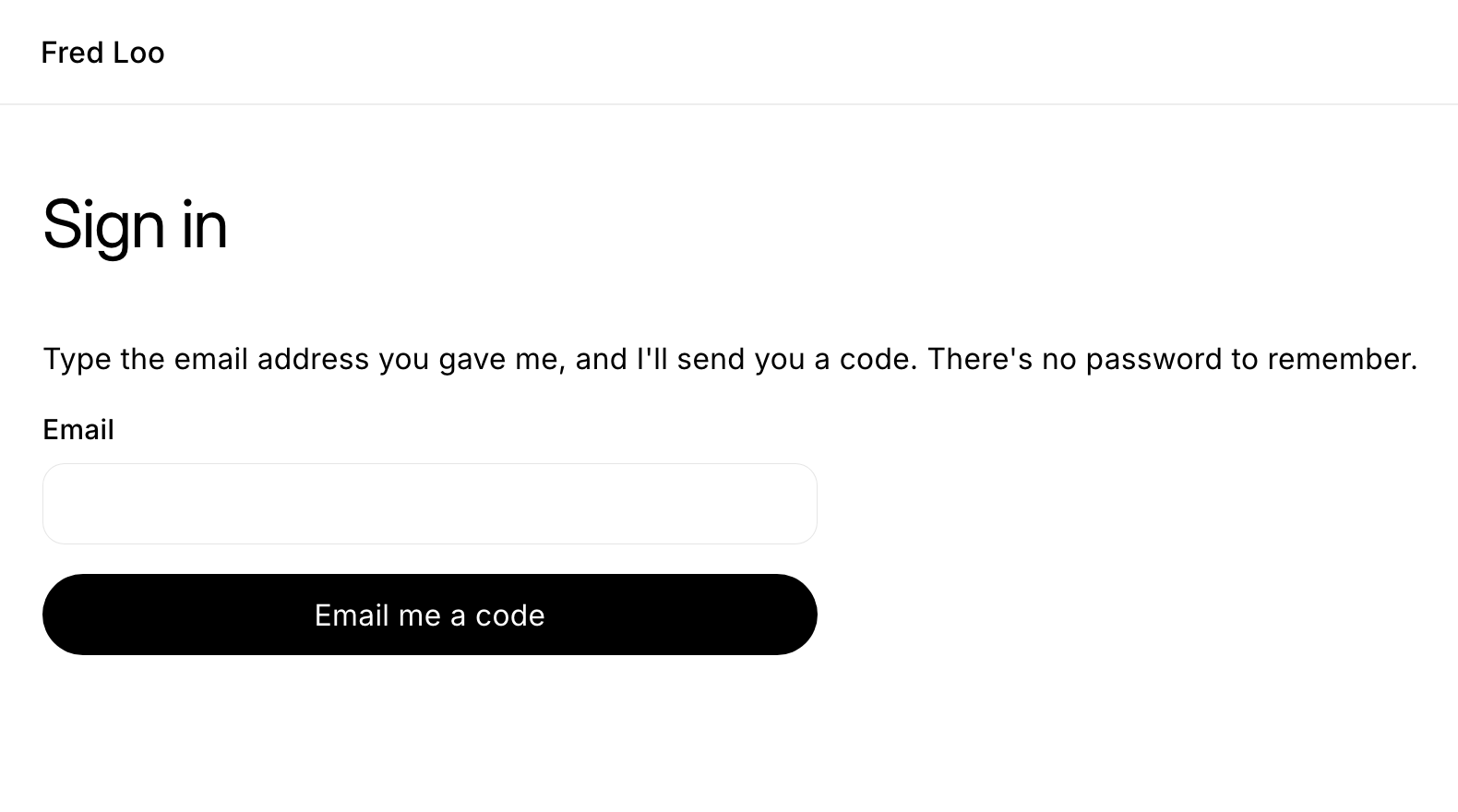
There is no password to remember. A client types the email address they gave me and gets a six-digit code by email. Codes are limited, and each client can open only their own job.
What a client sees first
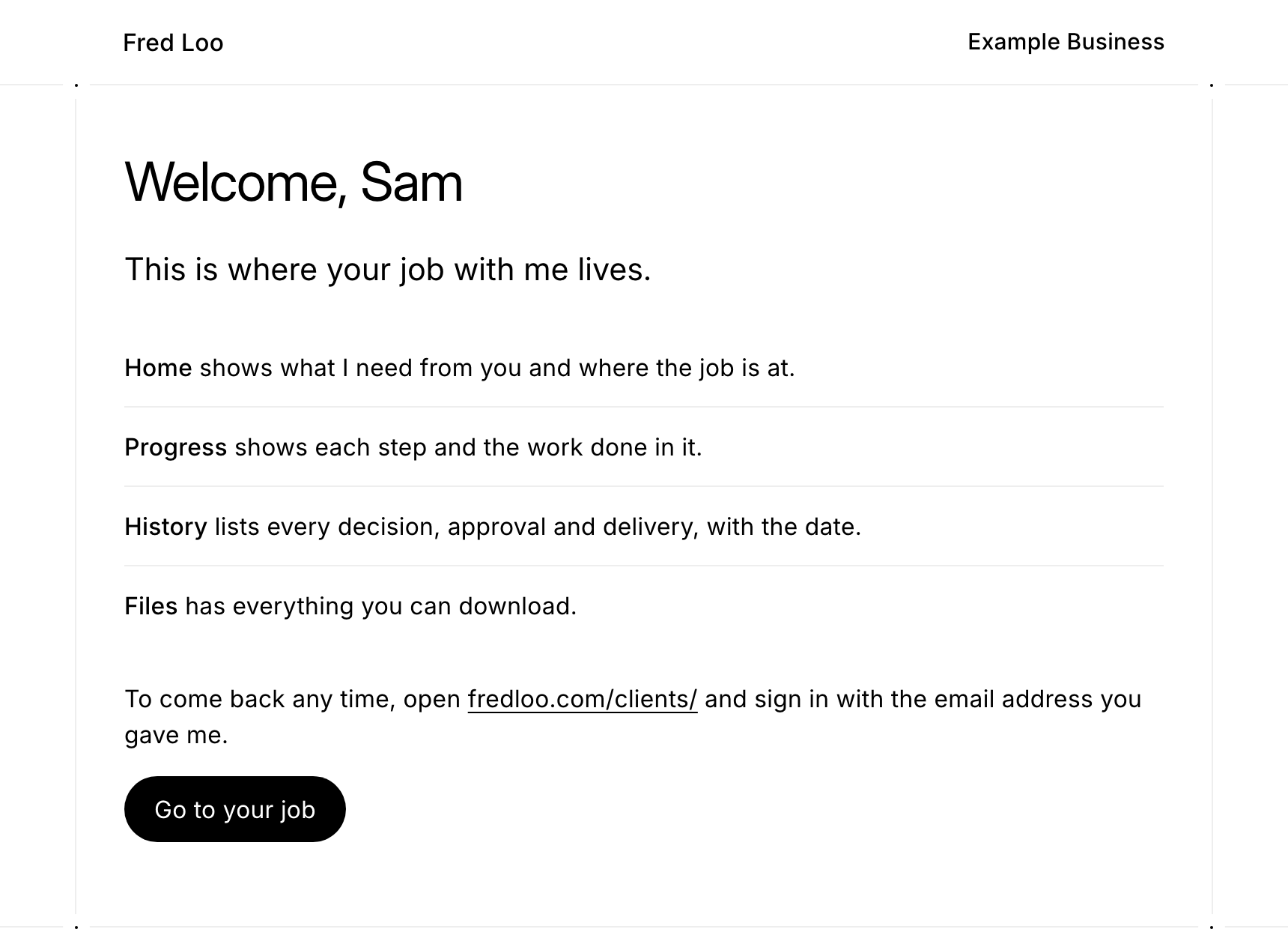
Once I have set up their job, a client signs in to a welcome with their name on it. It explains the four parts of their page: Home, Progress, History and Files.
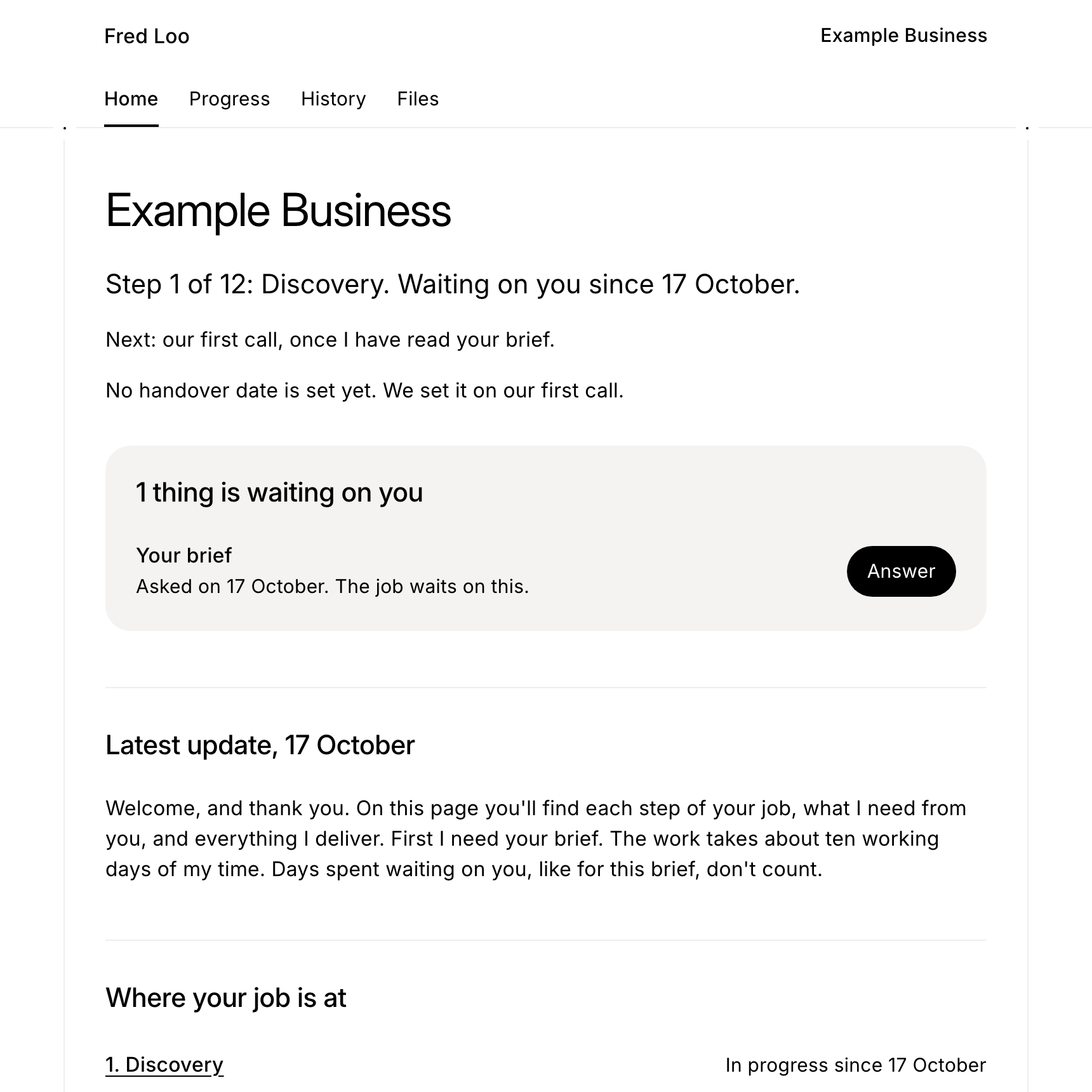
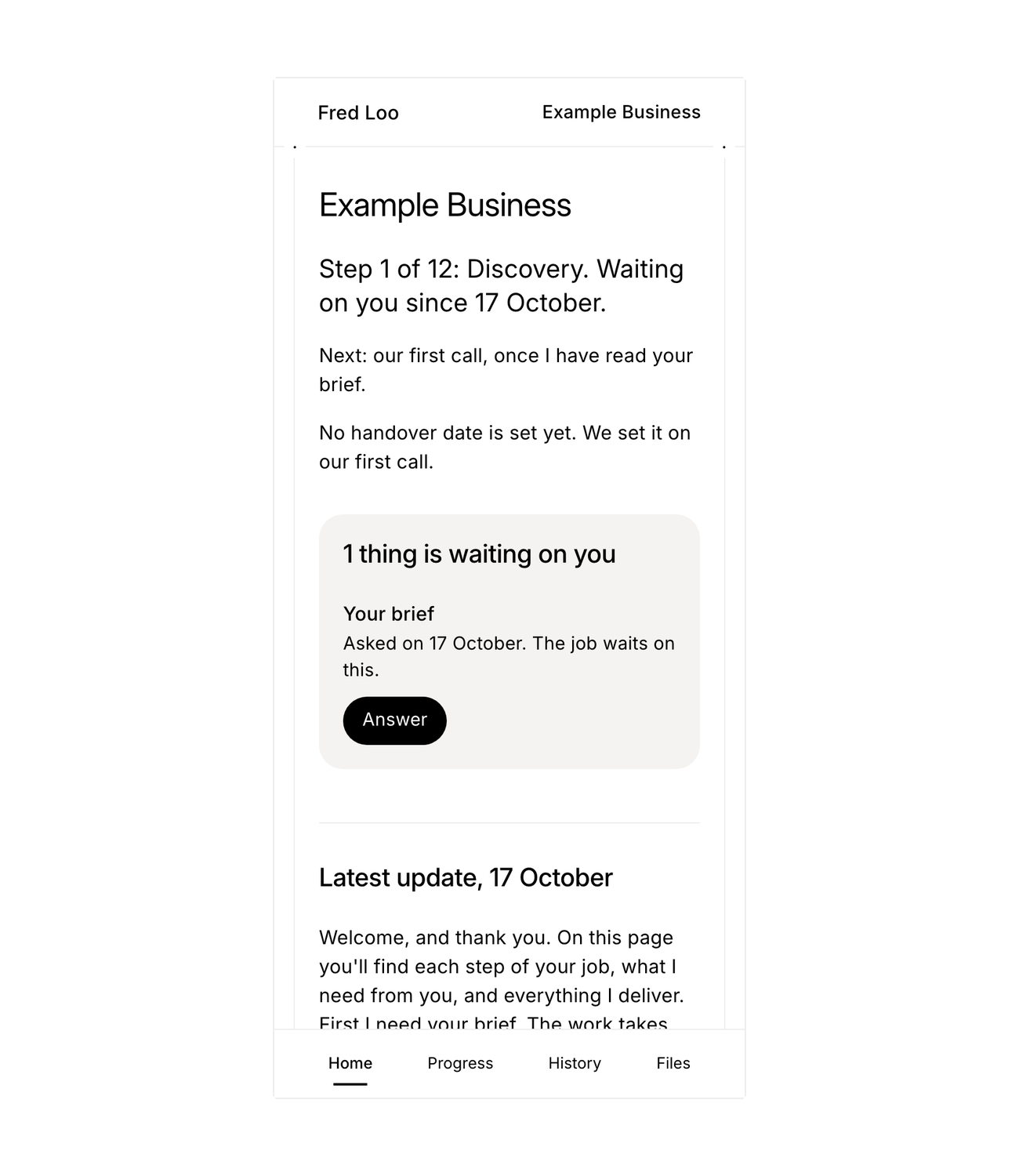
Home says which step the job is on, what is waiting on the client, and my latest update.
The brief
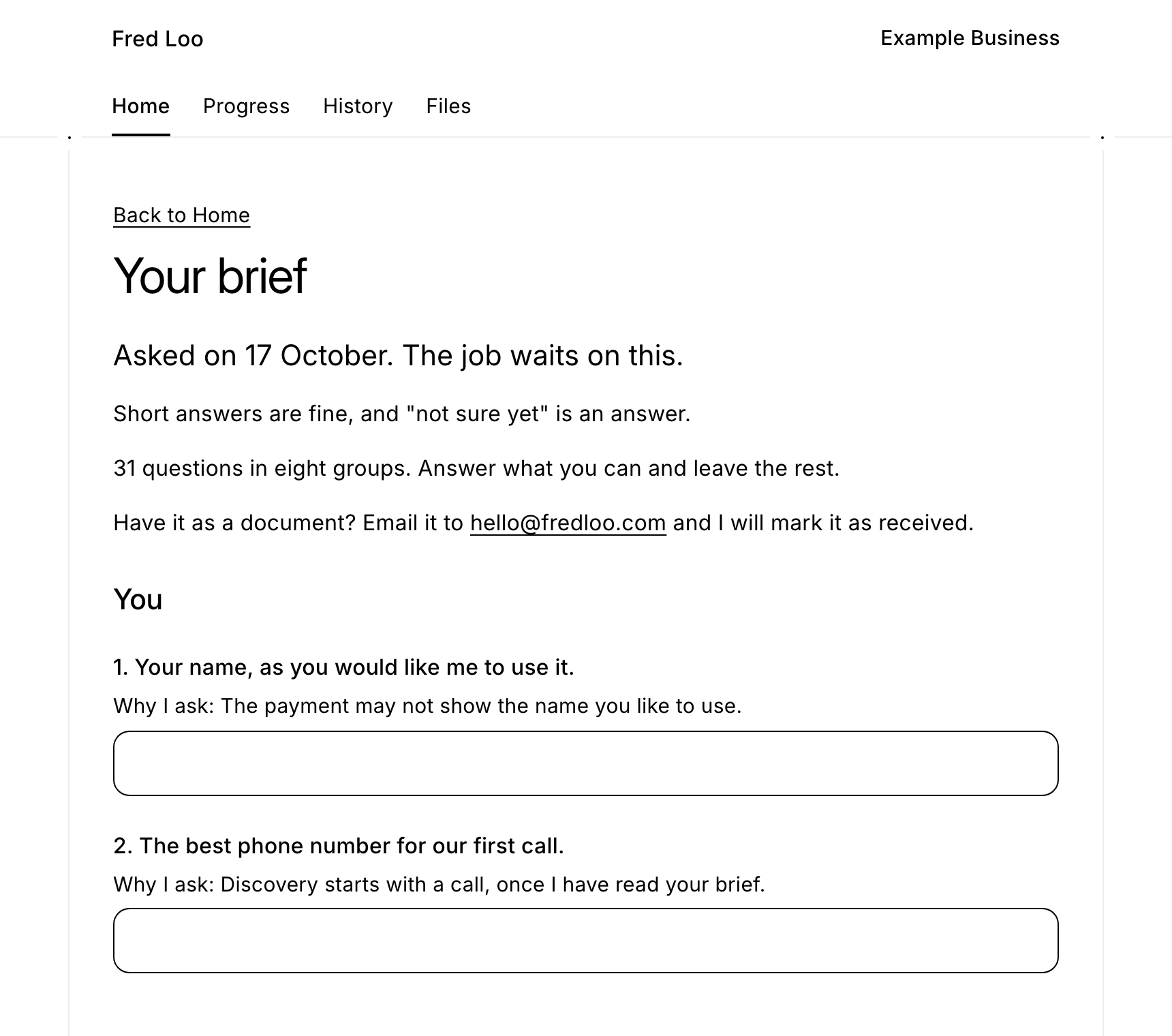
The first thing waiting is the brief. For a brand and website job it is 31 questions in eight groups, and nearly every question has a line on why I ask. Short answers are fine, and "not sure yet" is an answer. Answers are kept, so a client can stop and come back. When a client sends the brief, approves a step or asks for a change, I get an email.
Progress and history
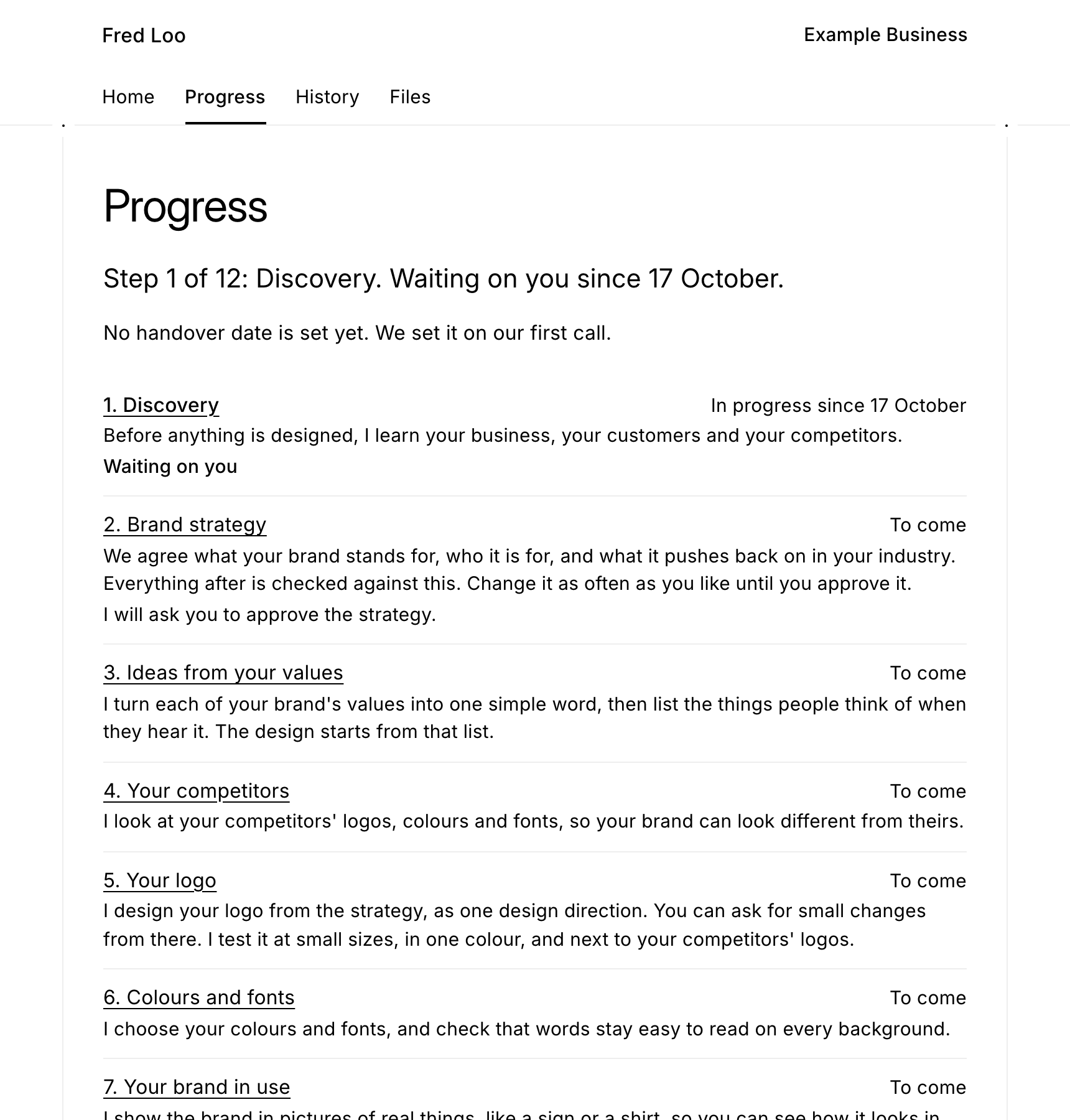
Progress lists every step of the job, with what happens in each and where I will ask for an approval. The strategy can change as often as the client likes until they approve it. History keeps every decision, approval and delivery, with the date.
On a phone
On a phone, Home, Progress, History and Files sit along the bottom of the screen.
How it was made
I decided what the portal does and settled the words a client reads. Claude Code wrote the code, inside the same site as this page. The type, colours and rules are the site's own. Sign-in runs inside the site, the jobs sit in a database in Sydney, and emails go out through Resend.
An earlier version that only I saw was confusing to move around in. I rejected its navigation, and the portal was rebuilt from a new plan. Then I tested the live sign-in, brief and emails myself, as a client.
Want this for your business?
Choose one, then two minutes on who you are. You pay, I start, and the rest of the brief follows. Every job gets its own client page, where you watch it move step by step and every file is kept.
Brand identity
A$3,000Strategy first, then a symbol drawn by hand, the wordmark, colours, type, lockups and guidelines, handed over as files you own. Ten working days from payment.
Start with brandBrand and website
A$5,500The brand first, then the five-page site built on it. A$500 less than the two apart.
Start with bothSee what you get on Kotyra's client page. Not sure? Email me.
Work like this, by the month, at Rational Magic.